


Here you will find explanations about several facilities in the apartment. Click on the arrows for more explanation on each topic:
Parking
All information about parking can be found under the heading Arrival.
Connecting to Wi-Fi
Network name: Falcon5-201
Network password: will be sent via Airbnb one day before arrival
Operation of the television
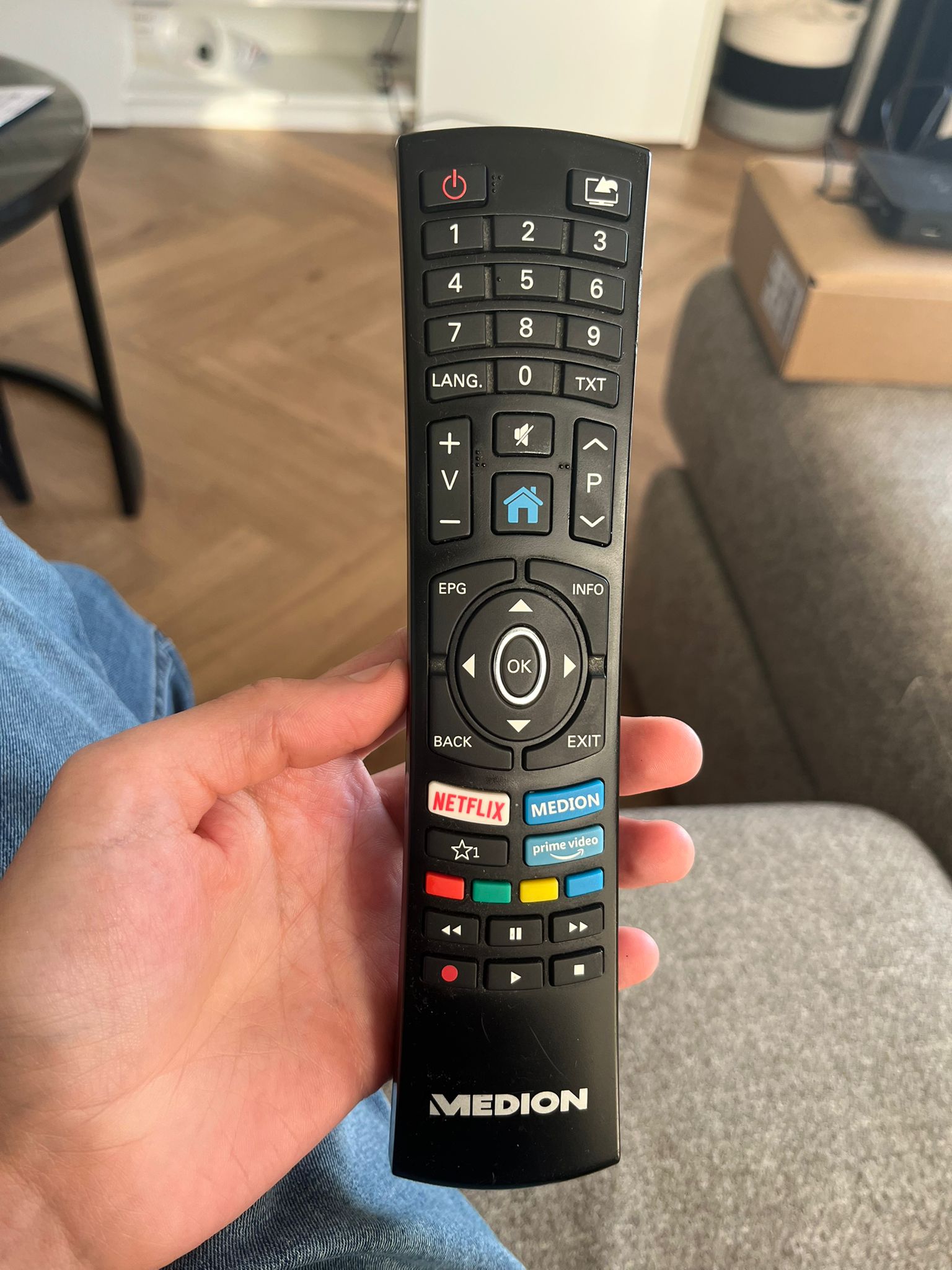
With the “Medion” remote, you turn on the TV by pressing the red power button.
Then you turn on the “Chromecast” by pressing the red button on the second remote.
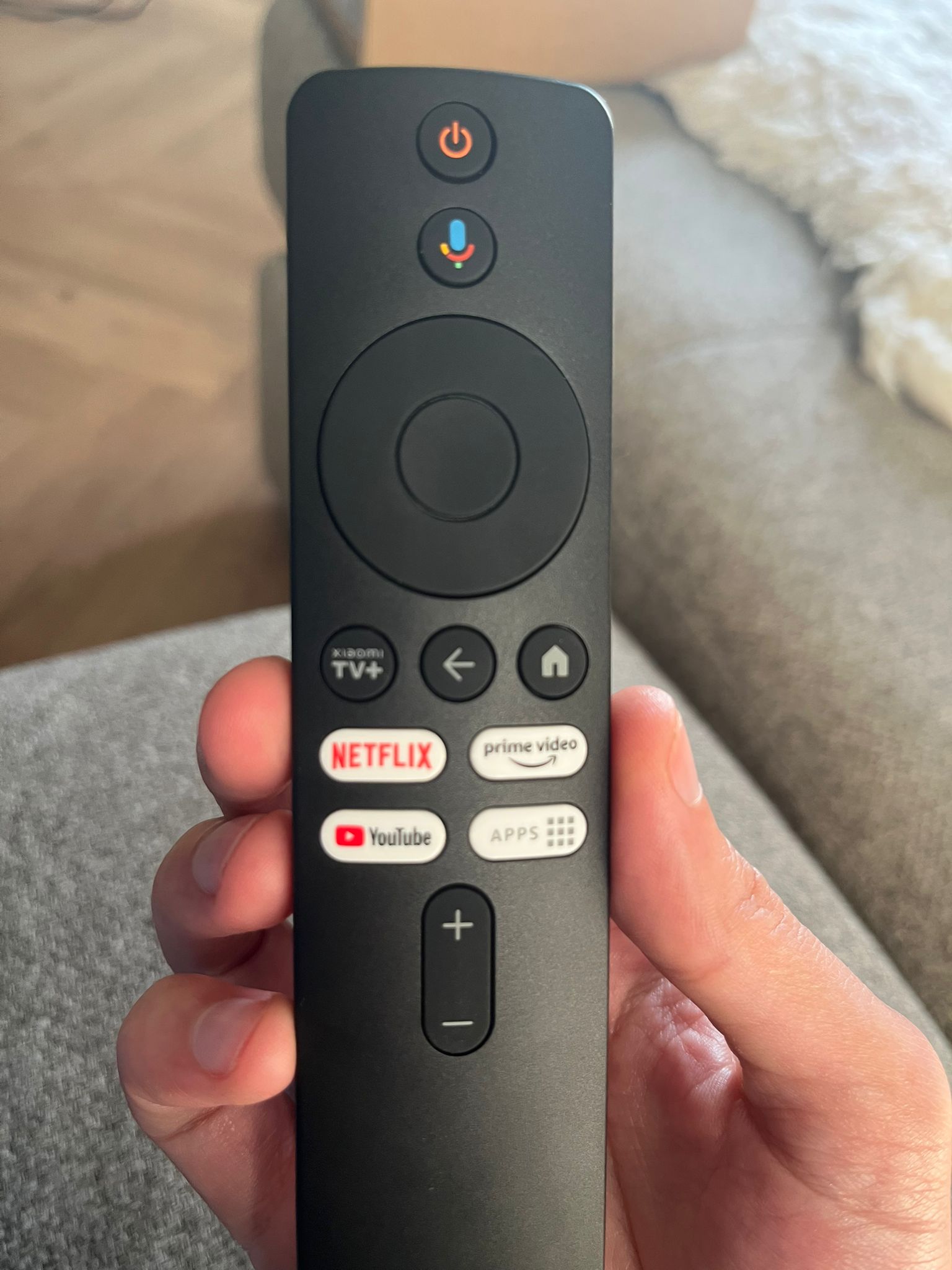
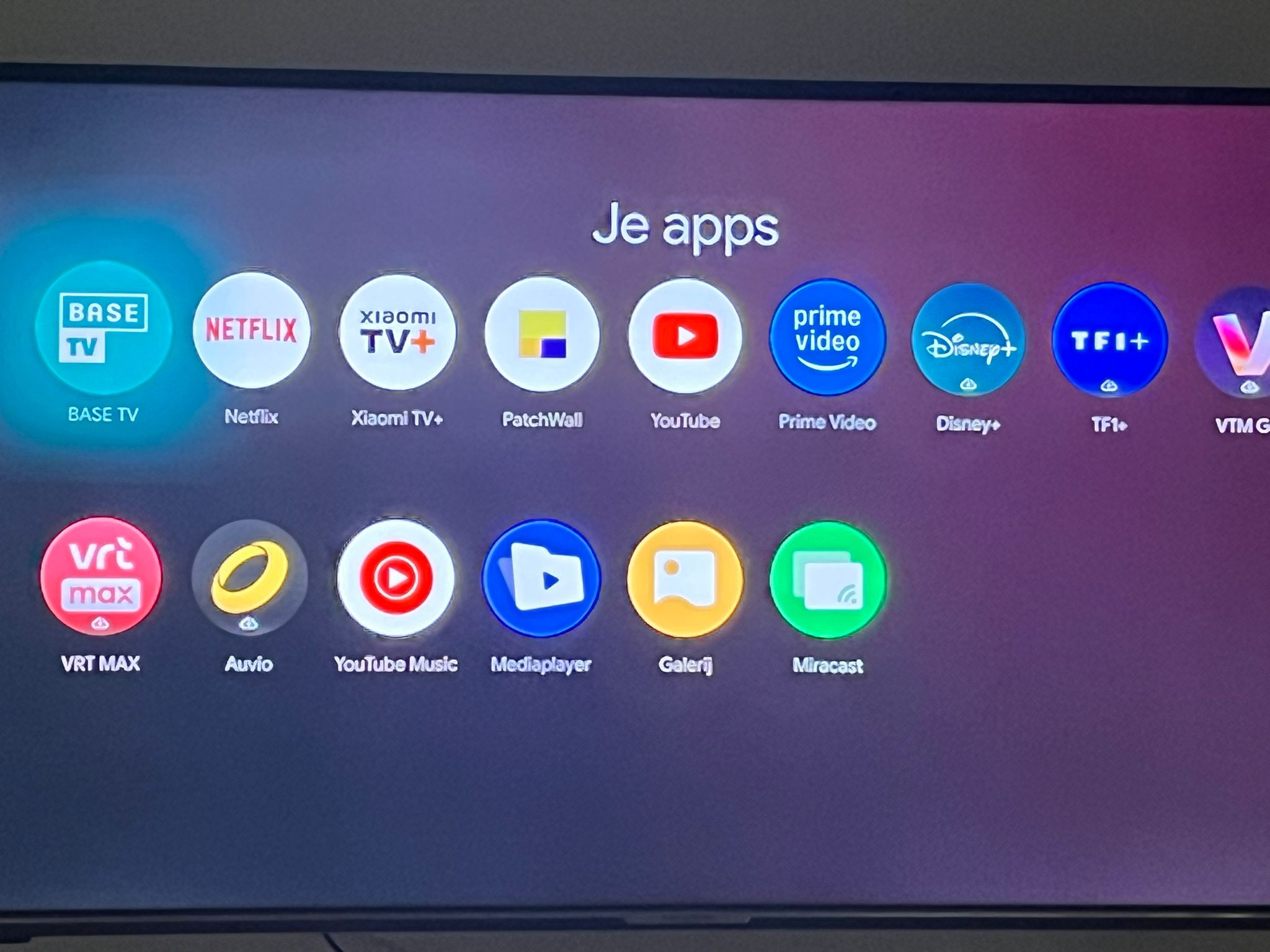
Once you press the “apps” button on the second remote, you can select the “BASE TV” app. This allows you to watch live TV.
Use of coffee machine and washing machine
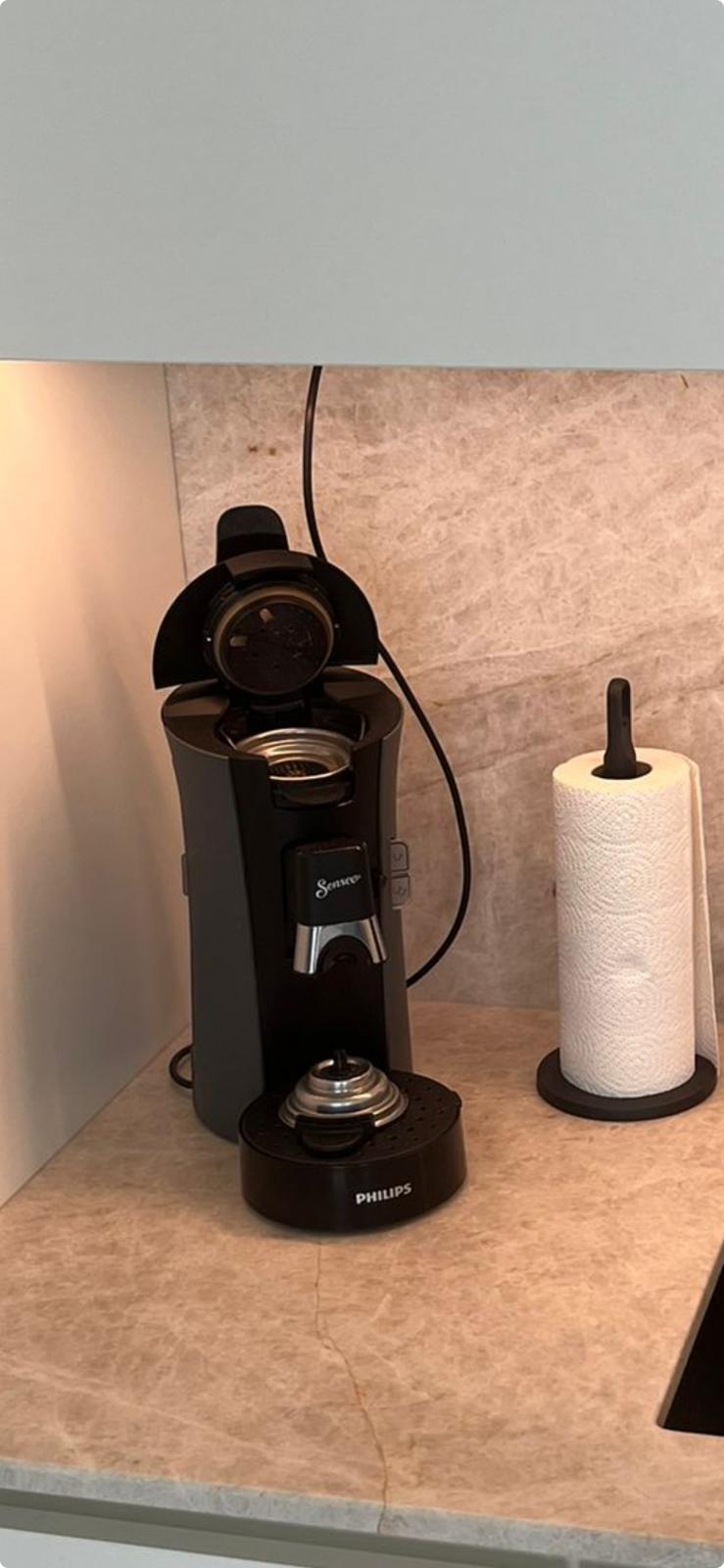
The coffee machine is Senseo brand. Be sure to bring your own pads.
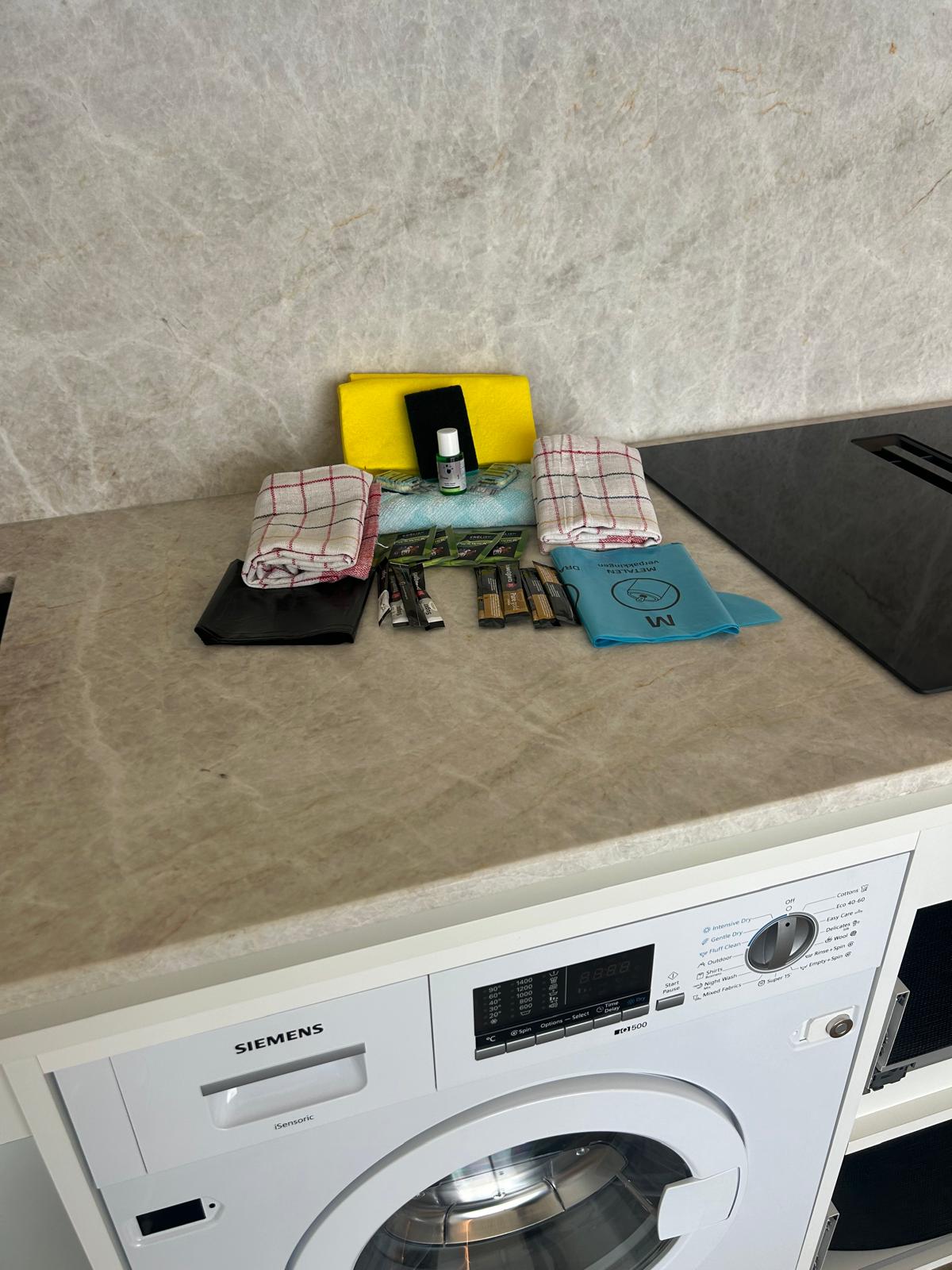
The washing machine is a washer and dryer in one unit. It is of the Siemens brand and is also located in the kitchen.
Regulating heating in the living room and bathroom
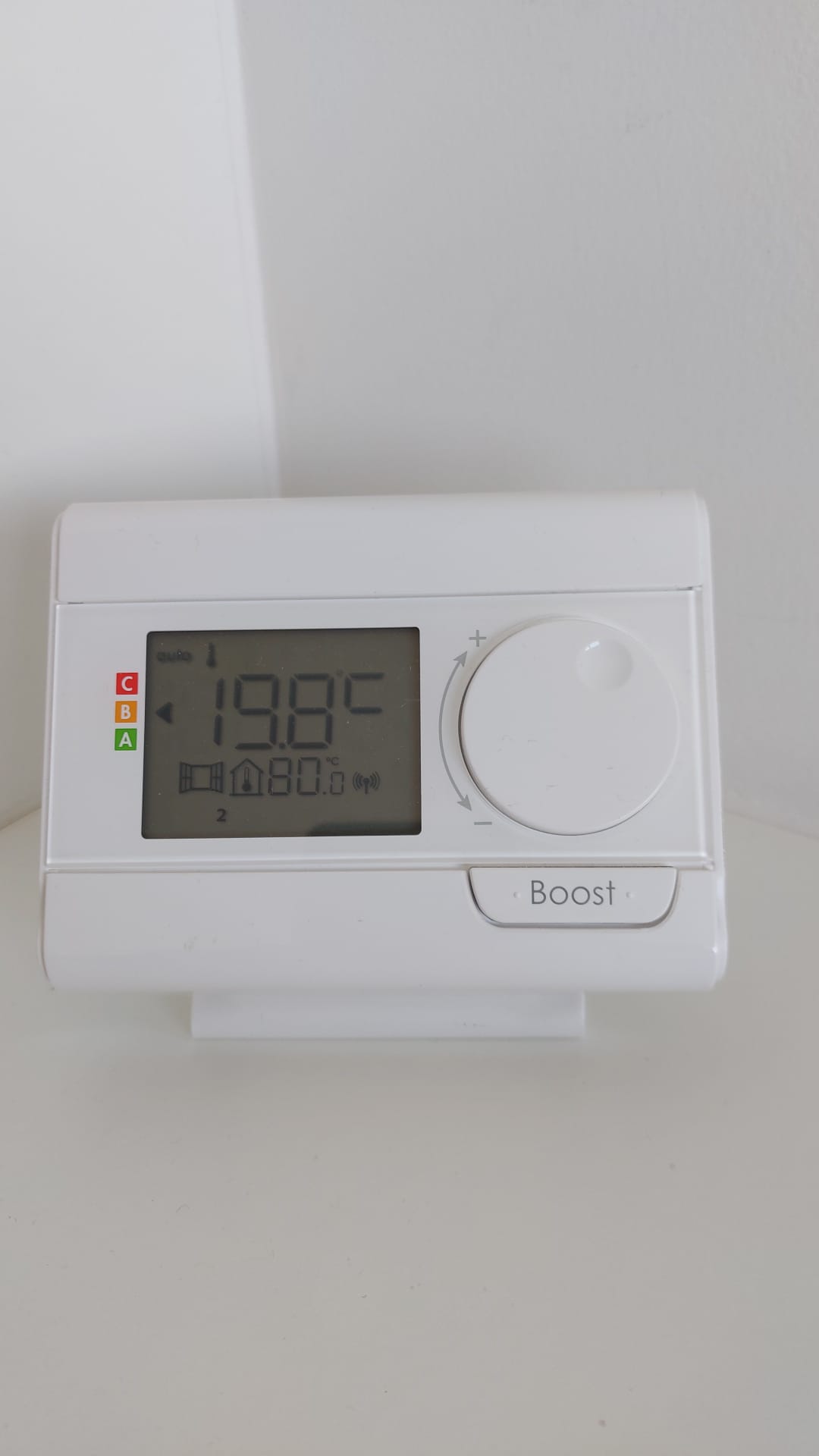
Living area heating:
Just use the dial to set the temperature. Set the temperature to 12 degrees when you leave the apartment.
Bathroom heating:
Turning on the thermostat:
- Press the on button. This causes the tubes to start getting hot.
Activation of heating via the blower:
- Press the “OK” button to turn on the blower heater.
- The blower will blow warm air for half an hour and turn off again.
Turning off the thermostat:
- Press the off button again when you are finished. You will then hear two sounds indicating that the system is shutting down.
If you are unclear, you can always contact us.